Sandspit
Where Sandspit Runs
Sandspit runs in the places PMs and PEs already review project data: Excel, the browser, and Procore itself. Choose the entry point based on the task, the source file, and how much project context the user needs.
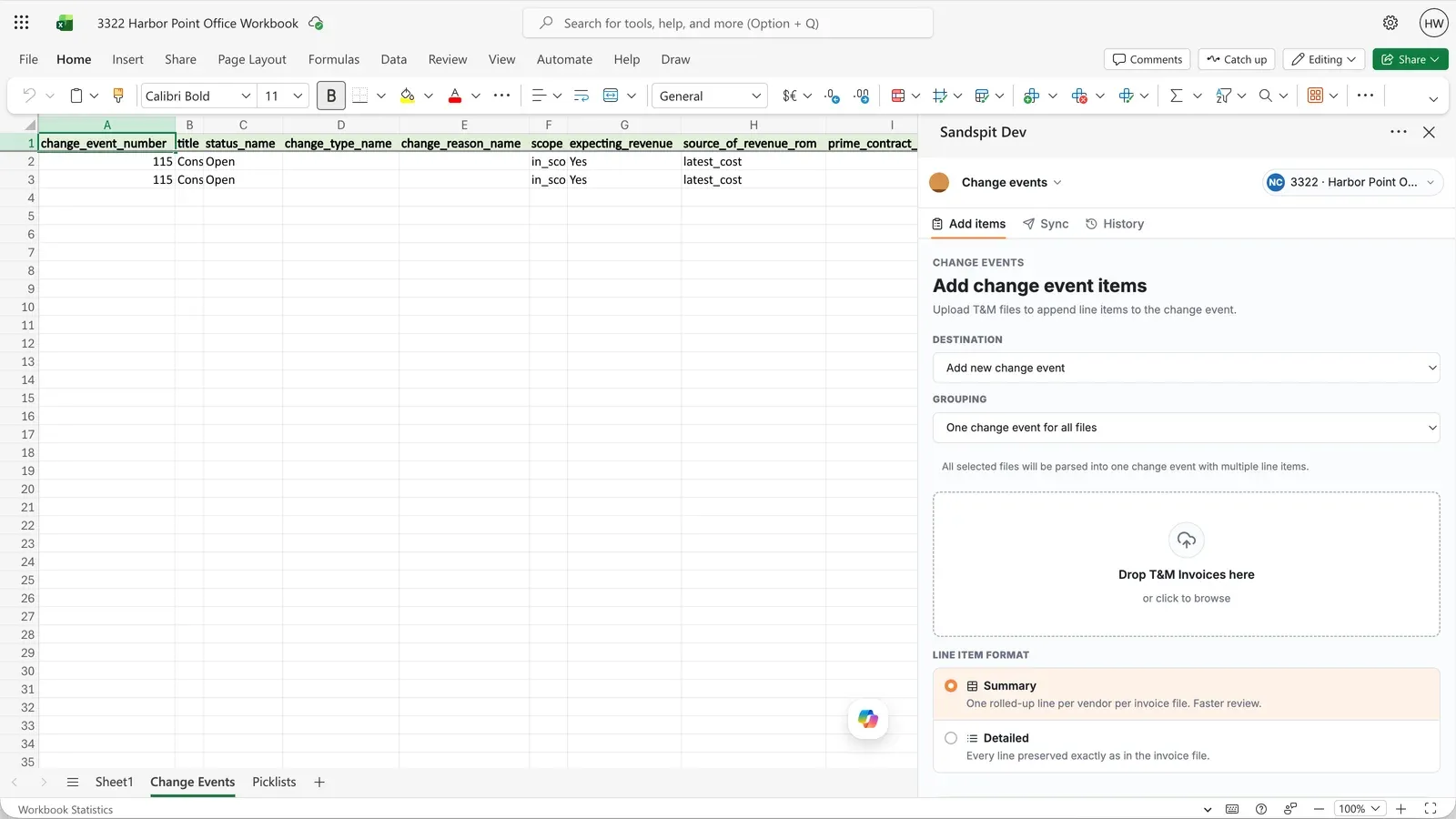
Excel add-in
The primary surface. Use the Excel add-in when the work is numbers: pulling a Procore budget and a prior snapshot in to compare the variance, bulk-editing Forecast to Complete, maintaining monitored resources, building the original budget, or staging change events and direct costs from a workbook.
The task pane handles project selection, templates, picklists, validation, issue review, and syncing back to Procore. It installs from Microsoft Marketplace and works in desktop Excel and Excel on the web.
Standalone web app
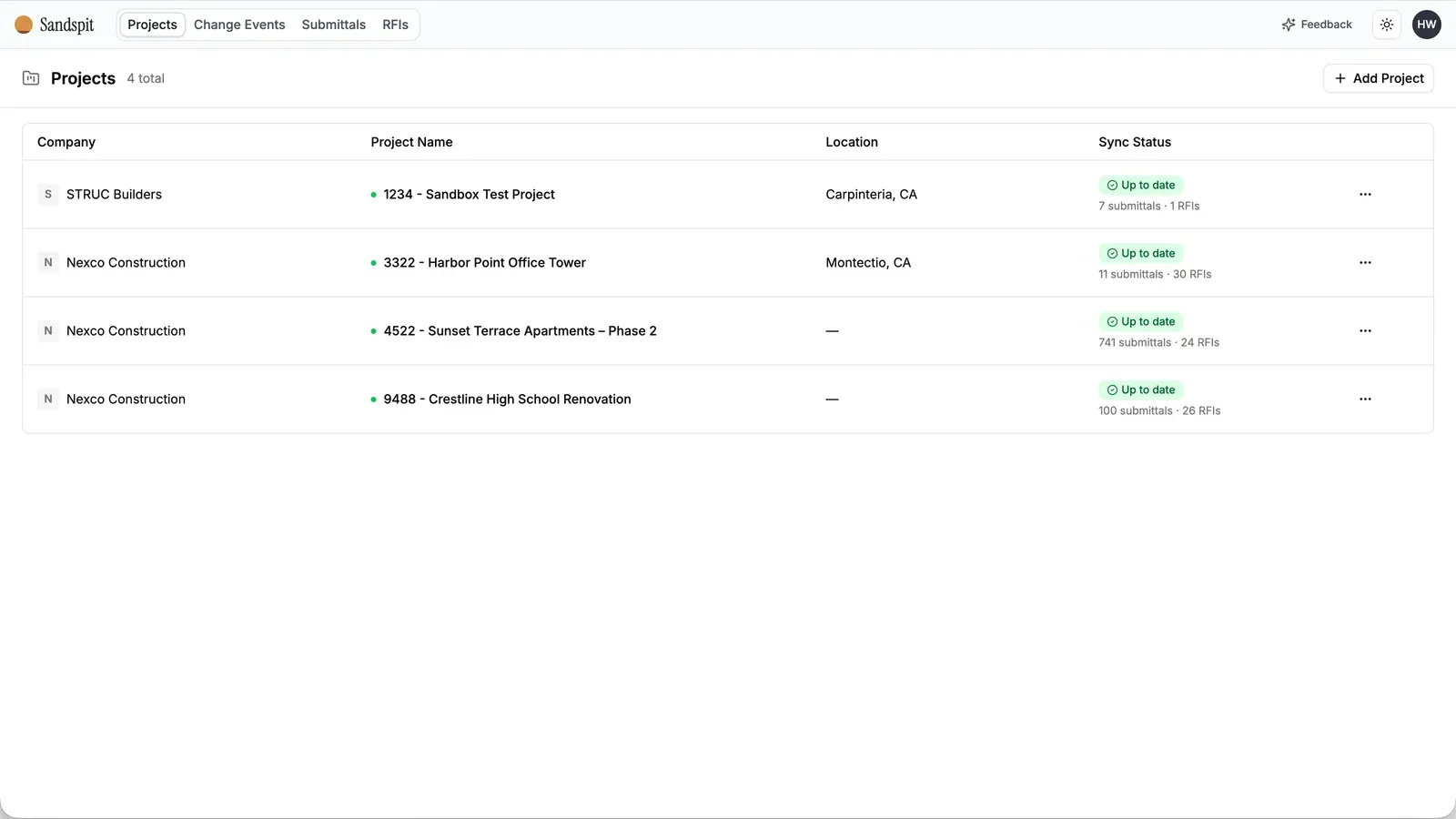
Use the full web app for broad project review, saved views, imports, settings, project enablement, and admin workflows. It is the right surface when you need more than a sheet, or when you are working across several projects at once.
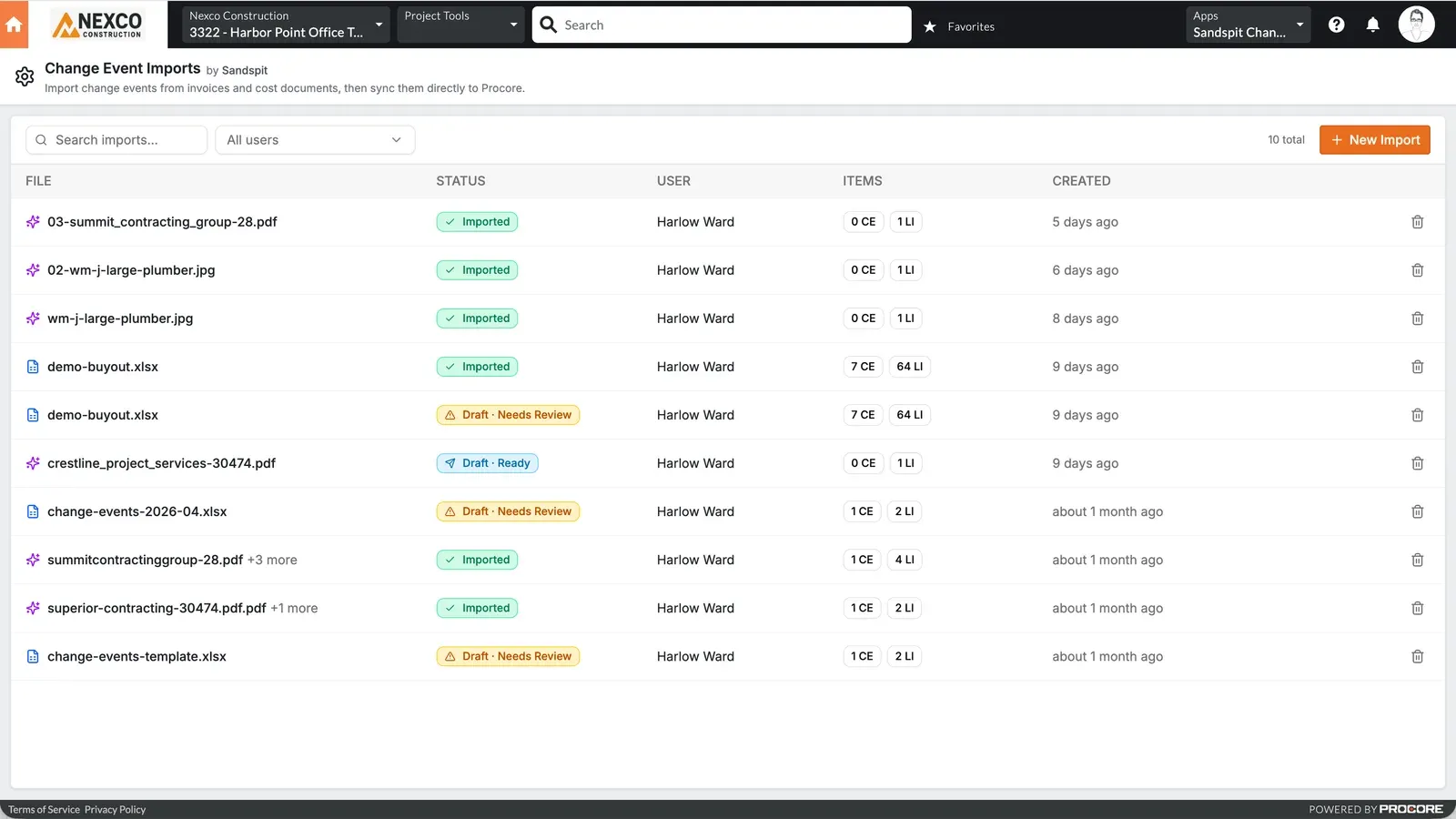
Procore embedded app
The same web app, opened from inside Procore. Use it when teams would rather reach Sandspit from Procore project navigation than switch tabs. Setup is optional and covered in Install the Embedded App.