Excel. Fluent in Procore.
Your spreadsheet now speaks Procore.
Pull Procore budgets and snapshots into Excel and compare the variance. Forecast cost to complete with manual forecasts and monitored resources. Build change events and direct costs from spreadsheets and PDFs, then create them in Procore.
Procore is the system of record. Sandspit is the Connected Spreadsheet.
Try the Excel Add-in for free.
Start with the project workflows teams already manage in spreadsheets.
Sandspit handles the work between vendor files, spreadsheet edits, and the final Procore record.
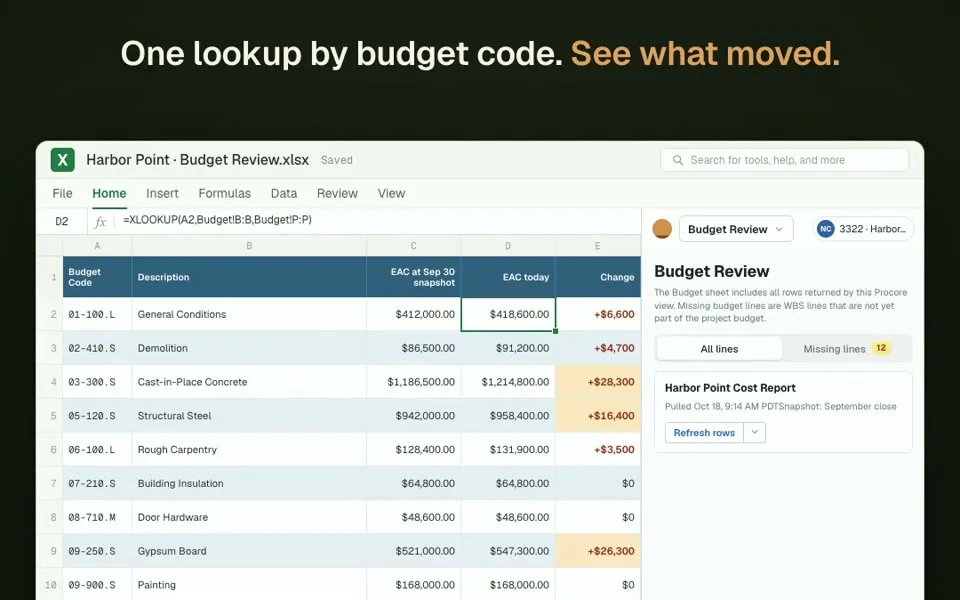
Budget Review
Pull the live budget and last month’s snapshot side by side, see what moved, and add missing budget lines at $0.
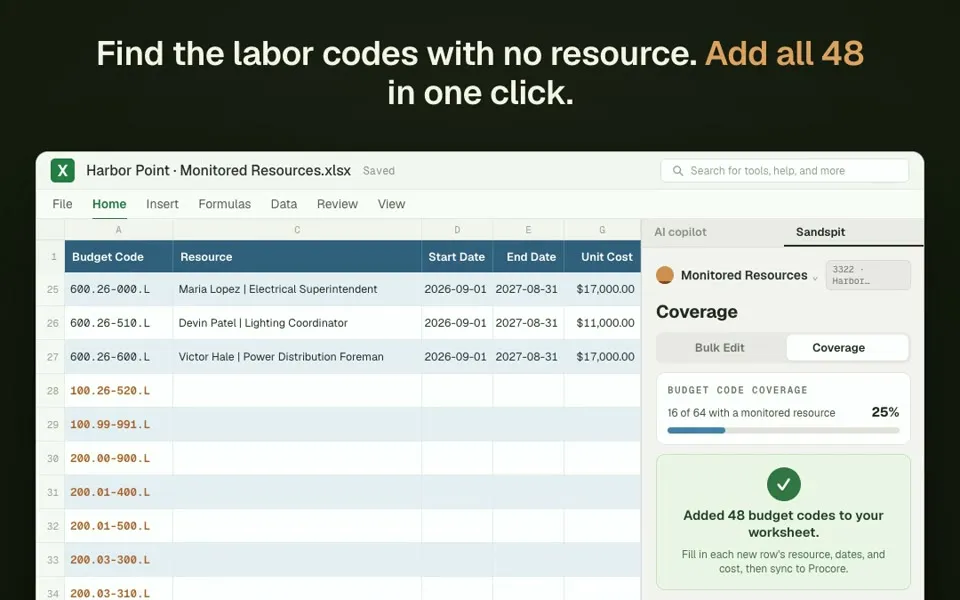
Monitored Resources
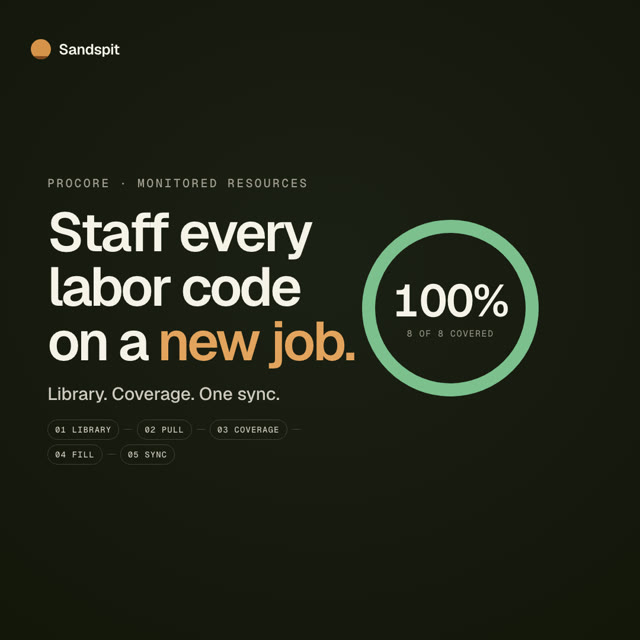
Pull every monitored resource into one sheet, add the labor codes with no resource, and sync rates and dates back.
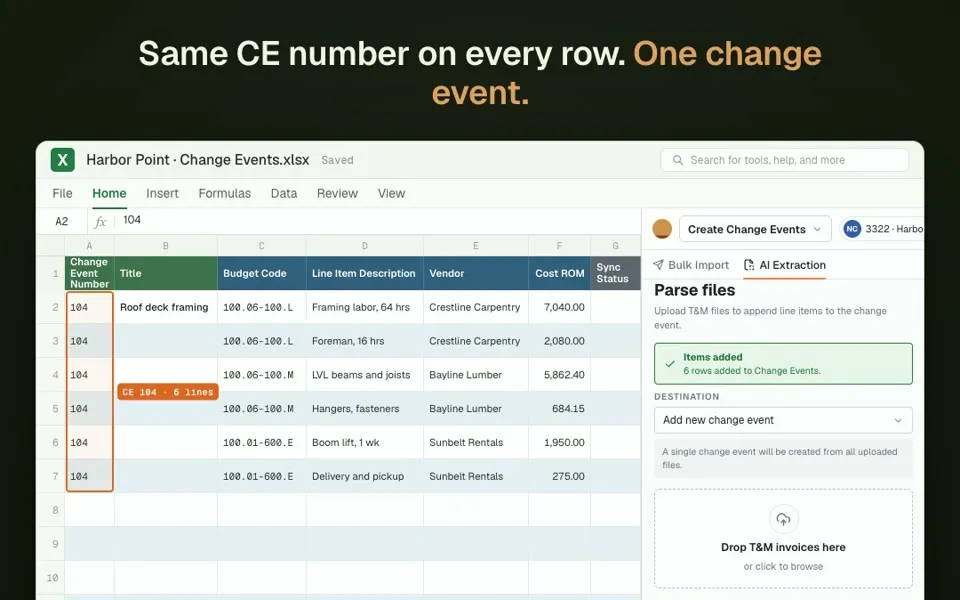
Create Change Events
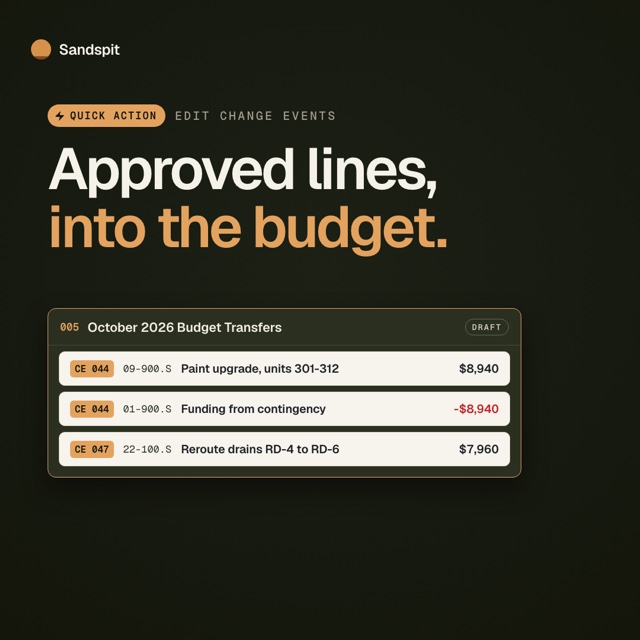
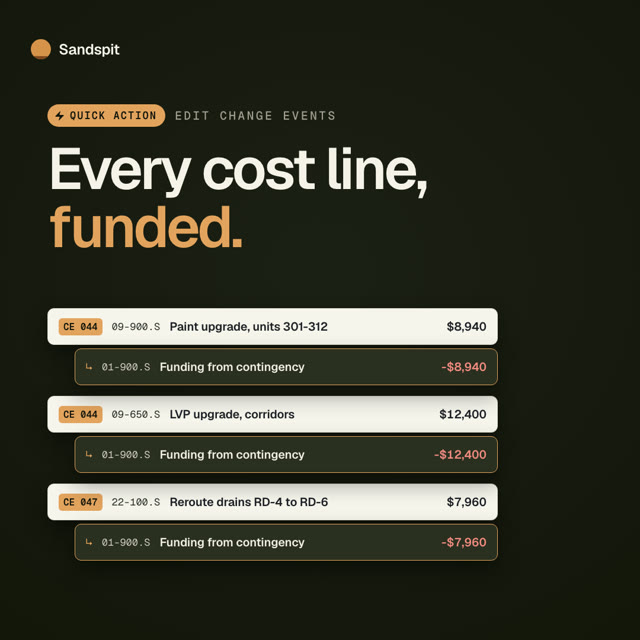
Start from vendor PDFs, T&M tickets, images, CSVs, and spreadsheets, then review staged change-event rows before sync.
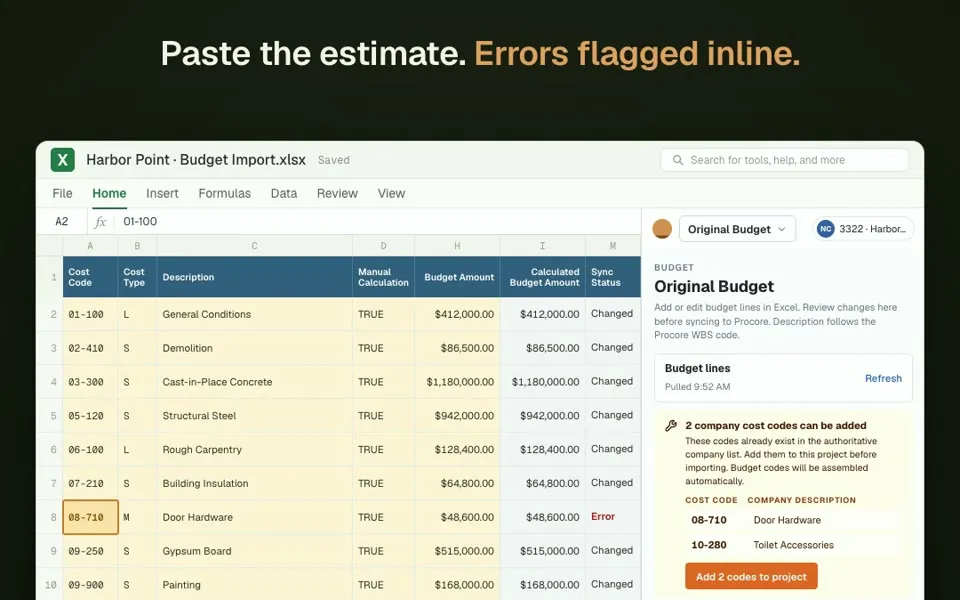
Original Budget
Paste the estimate, fix errors inline, add missing cost codes, and create every budget line in Procore.
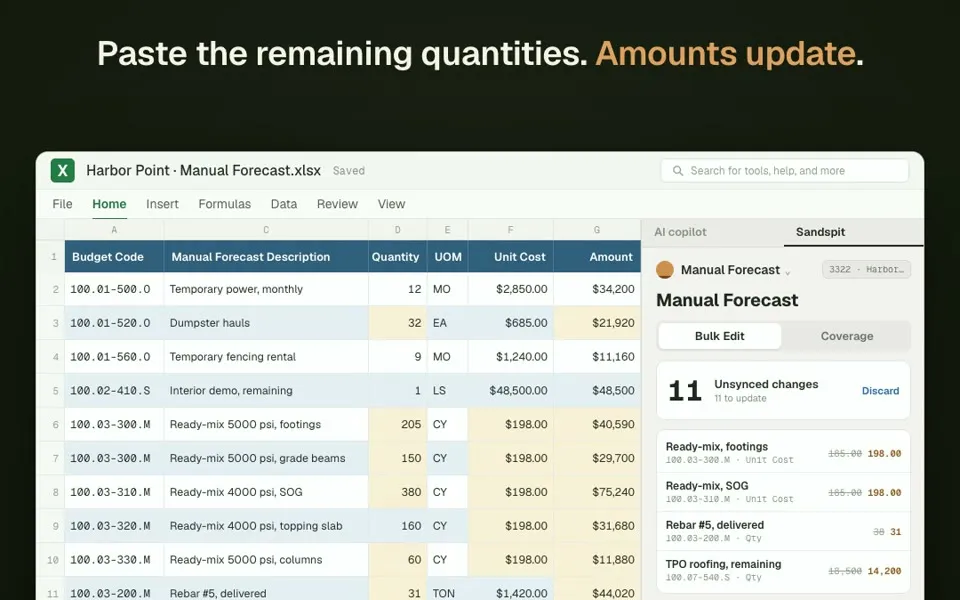
Manual Forecast
Pull every manual forecast line into one sheet, fill unit costs down, paste remaining quantities, and sync.
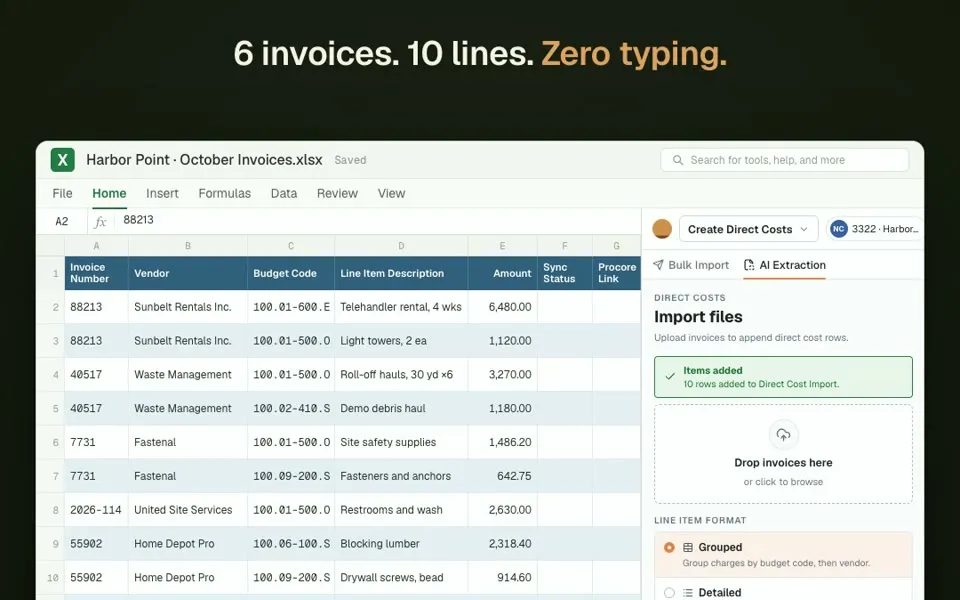
Direct Costs
Drop a month of invoices, let Sandspit read every line, and create them in Procore as draft direct costs.
Drop a PDF or photo. Get clean change events.
Sandspit reads vendor T&M invoices, tickets, and spreadsheets, pulls out the line items, and stages change events in Excel. You check the cost codes and amounts, then create them in Procore. Direct costs work the same way.
See change event importsSee it work in under a minute.
Short videos of one Procore workflow each, with a step-by-step guide behind every one.

Questions & Answers
Still weighing whether Sandspit fits your Procore setup? Talk to us and we'll walk through your workflows.
Ready to review project data before it syncs?
Book a demo and we'll run Sandspit against your Procore workflows, from import to synced records.