Find what matters in seconds
Save powerful filter combinations and reuse them across all your projects to instantly surface the submittals and RFIs you care about.
Filtering built for real-world Procore teams
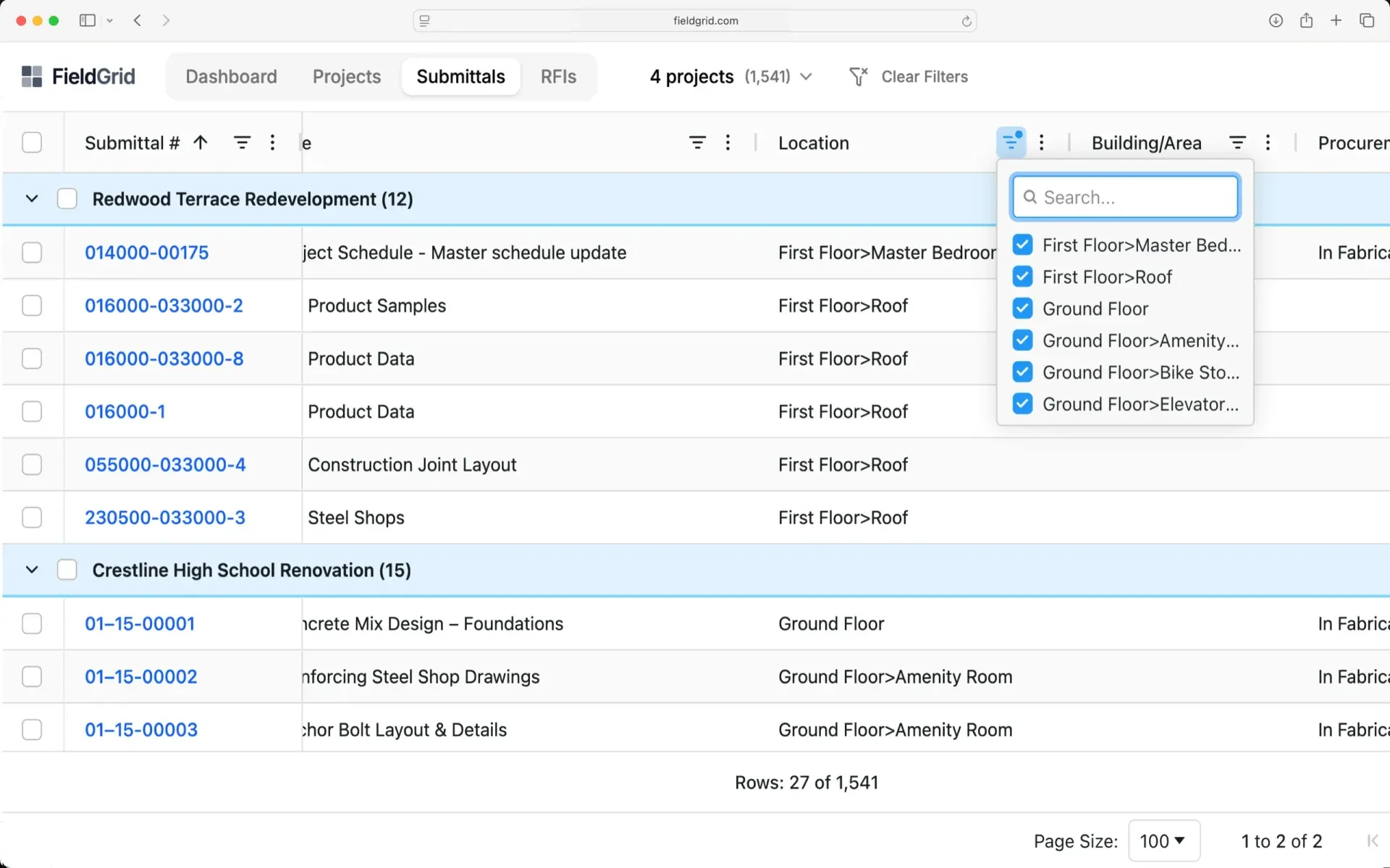
Create advanced filter combinations across any field, save them for reuse, and instantly surface what matters — all in sync with Procore.
Filter by Any Field
Filter by status, project, company, ball-in-court, spec section, dates, and every custom field in your Procore setup.
Combine Conditions
Build complex filter combinations using AND/OR logic. Find exactly what you need, no matter how specific.
Save Filter Sets
Save your commonly used filter combinations for one-click access. Share filter sets across your team.
Common filter use cases
Create filters for your daily workflows and save them for instant access.
"My open items" Filter by ball-in-court = me, status = open across all projects.
"Overdue submittals" Filter by due date < today AND status != closed.
"High priority RFIs" Filter by custom priority field = high, item type = RFI.
"Spec section 09" Filter by spec section starting with "09" across all active projects.
Powerful filtering capabilities
Quick search
Type to instantly filter visible items. Search across titles, numbers, and key fields.
Date range filters
Filter by date ranges with presets like "this week," "next 30 days," or custom date ranges.
Multi-select values
Select multiple values for any filter. Show items from three specific subcontractors or five status types.
Saved filter sets
Save your filter combinations and access them instantly. Name them for easy identification.
Ready to transform your workflow?
Join construction teams who use Sandspit to eliminate duplicate entry and keep their Procore data perfectly in sync.