Bulk edit Procore change events in Excel.
Procore edits change events one record at a time. Sandspit pulls every change event and line item on the project into Excel, so a status sweep, a vendor assignment, or a new line on twelve change events is a fill-down and one sync.
Buyout done. Every line, the right sub.
This video pulls every change event line into Excel, filters to the change events for one scope, fills the awarded sub and contract down seven lines, and syncs them to Procore at once.
Today, every edit is one change event at a time.
Change events pile up across a job: pricing, buyout, funding, month-end cleanup. In Procore each one is opened and edited on its own, so the same change gets made record by record.
- Status is changed by opening each change event.
- A vendor and contract are set on one line at a time.
- The same new line on twelve change events is twelve edits.
- Custom fields, like the owner’s tracking number, are typed in record by record.
Procore Change Events tool
Edit, per change event
The change event jobs that used to be one record at a time.
One pull writes a sheet of change events and a sheet of their line items. Bulk editing is Excel: filter, type the value once, fill it down, or paste a column from another sheet. Each job below has a short video and a step-by-step guide.
-
 Watch it, 4:15
Update status
Filter to the status you are clearing, set the new one once, and fill it down.
-
 Watch it, 0:42
Assign vendors and contracts
Point every line for a bought-out scope at the awarded sub and its contract.
-
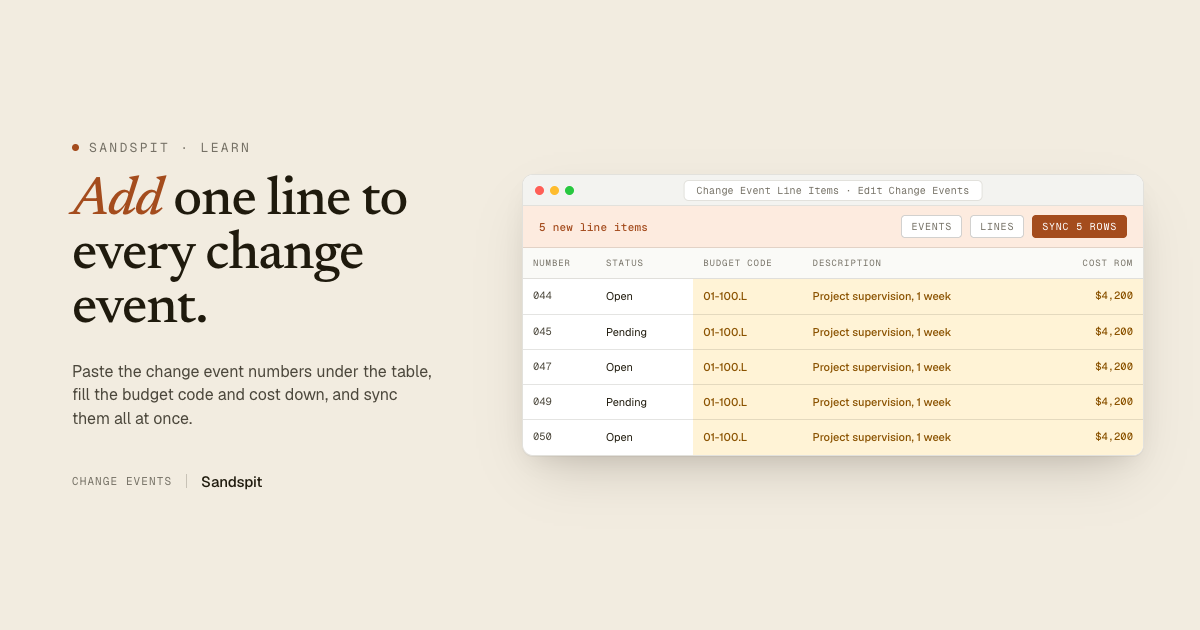 Watch it, 0:30
Add a line to many change events
Paste the change event numbers under the table and fill one line down.
-
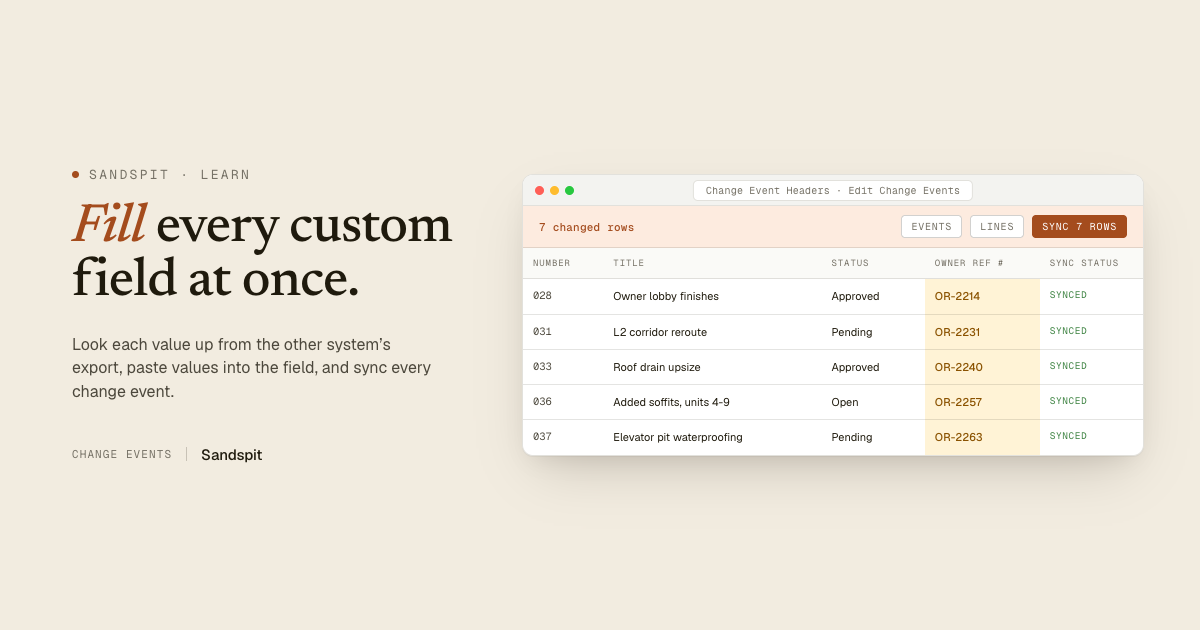 Watch it, 0:30
Fill custom fields
Turn on custom fields, paste the values from another system, and sync.
-
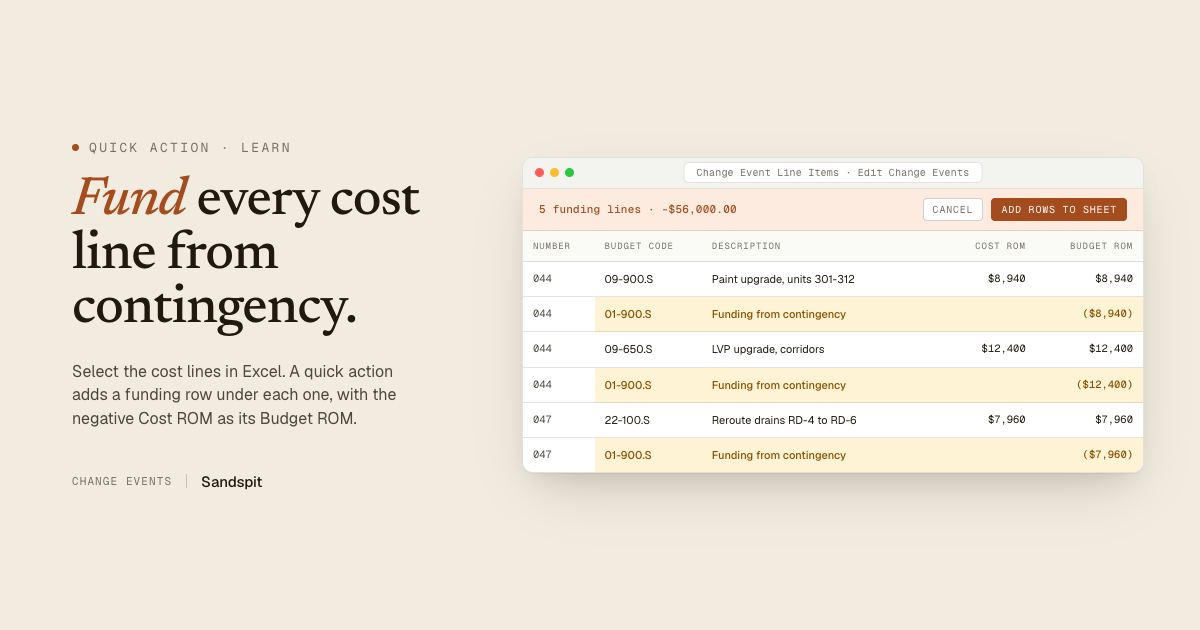 Quick action
Watch it, 0:32
Quick action
Watch it, 0:32Add funding lines
Select the cost lines and add a contingency funding row under each one.
- New change eventsCreate Change Events
Starting from T&M tickets, quotes, or a change log?
Create Change Events reads the files, stages every line in Excel for review, and creates the change events in Procore.
Select the rows. Let a quick action write the rest.
Quick actions sit behind the lightning button at the top of the Edit Change Events pane. Add funding lines takes the cost lines you select and adds a funding row under each one, with the negative of its Cost ROM as the Budget ROM. Lines that already have funding are flagged first. Review the new rows and sync once.
Read the Add funding lines guideEvery change, listed before it’s sent.
Procore stays the system of record. Nothing reaches it until you sync, and the pane shows exactly what will.
-
Changed cells stand out
Every cell you edit is highlighted on the sheet, so a fill-down that went one row too far is easy to spot.
-
Before and after, per row
The pane lists each changed row with what it changes, like Vendor to Interior Systems and Contract to SC-0118.
-
Locked lines stay locked
Lines already tied to a change order or commitment show as locked and can’t be edited from the sheet.
-
One sync, results in place
Only the rows you changed are sent. Each one reports back on the sheet when it lands in Procore.
For the people who keep change events current.
Edit Change Events runs in the Sandspit Excel add-in, on change events already in Procore. It is for the teams that keep change events current from pricing through buyout, funding, and month-end.
Project managers
Clear the month-end status sweep and keep change event lines current without opening each record.
Project engineers
Assign the awarded sub after buyout and add the lines a whole stack of change events needs, in one pass.
Project accountants
Fund every cost line from contingency and fill the tracking fields reporting depends on.
Use your real project
See Edit Change Events on your Procore project.
Bring a live project and we will pull its change events into Excel, make a bulk edit with you, and sync it back to Procore.